
Create AI Carousels for Social Media in Under a Minute
Type a topic. The AI writes it, designs it and hands you a ready-to-post carousel that looks like your brand.
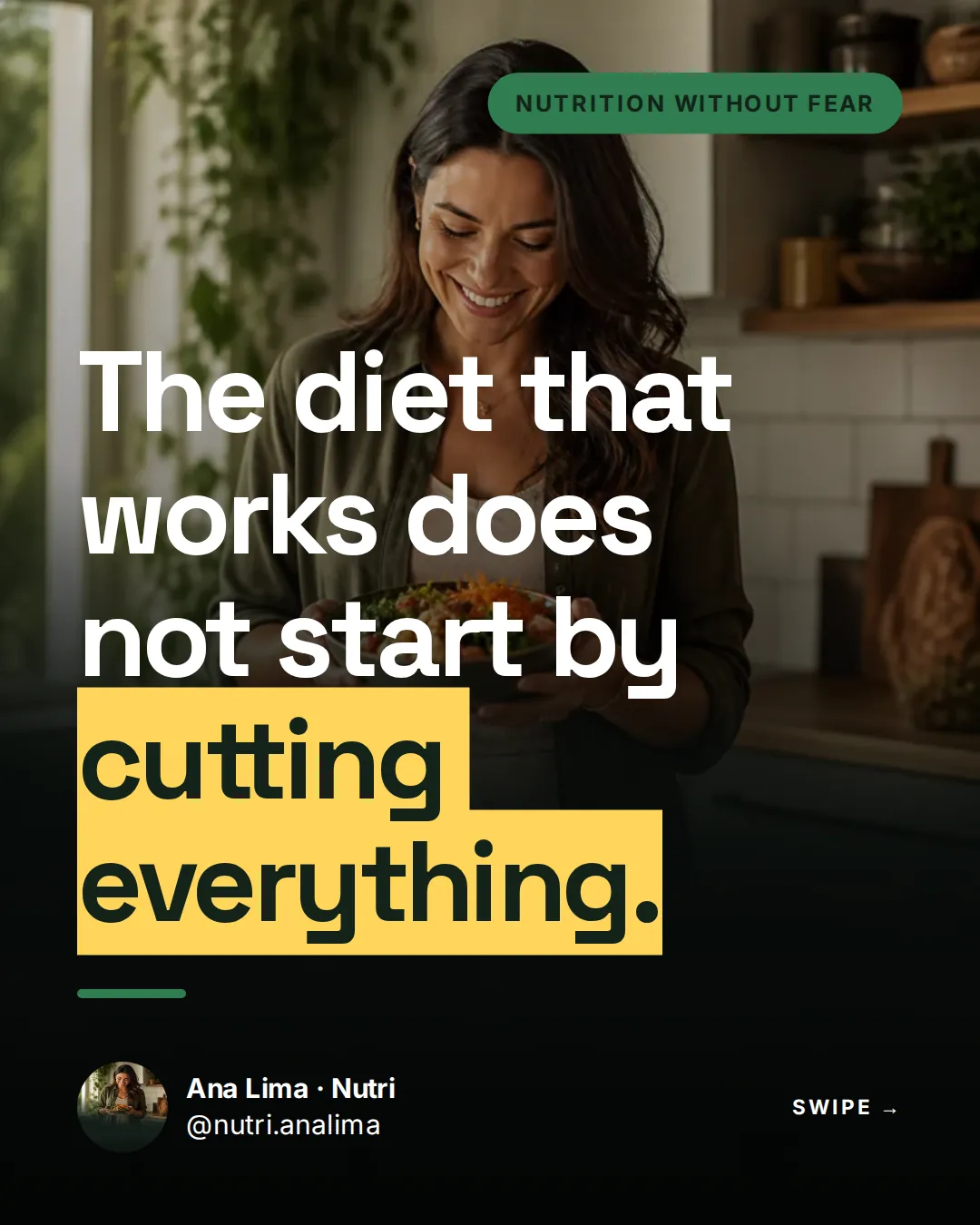
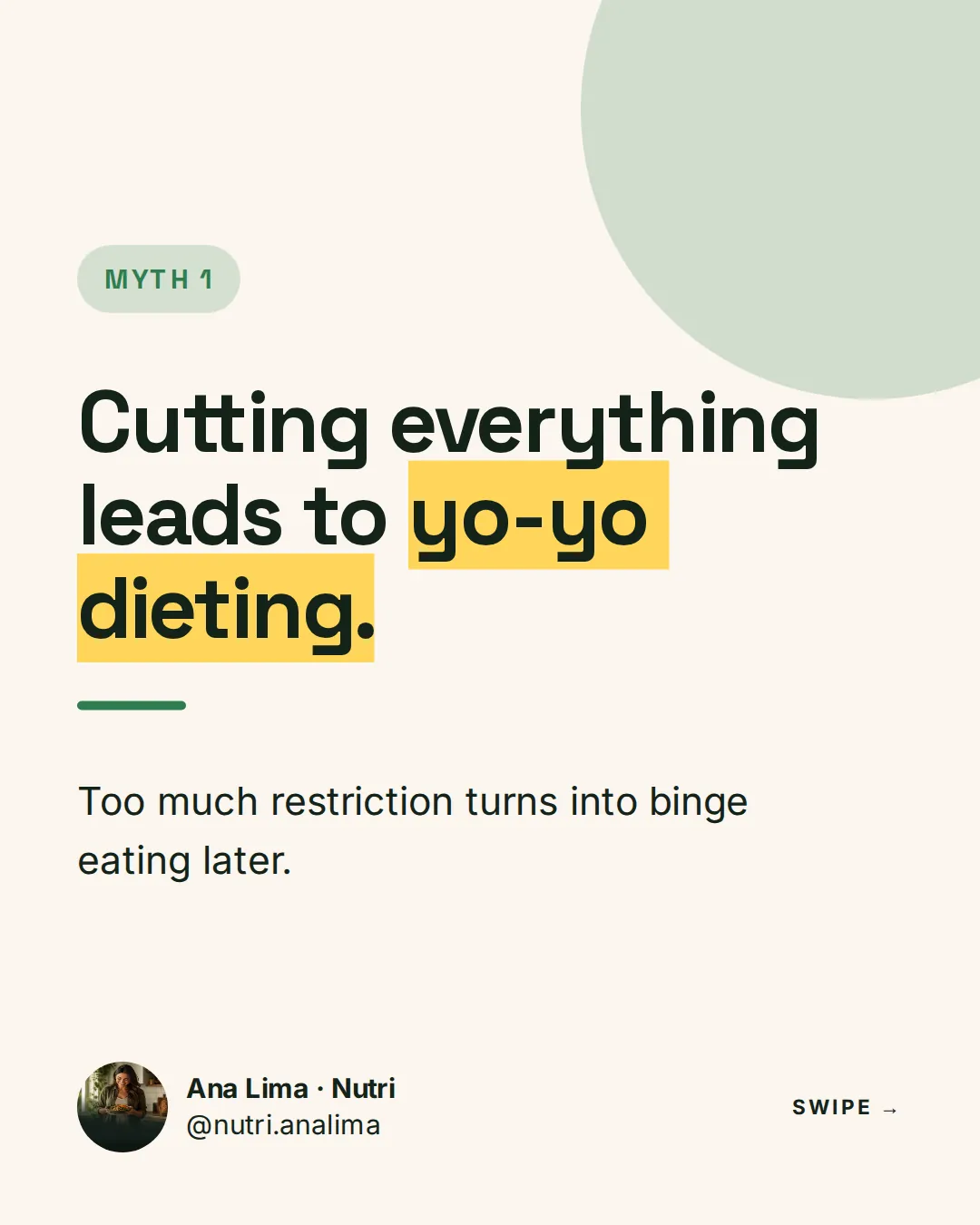
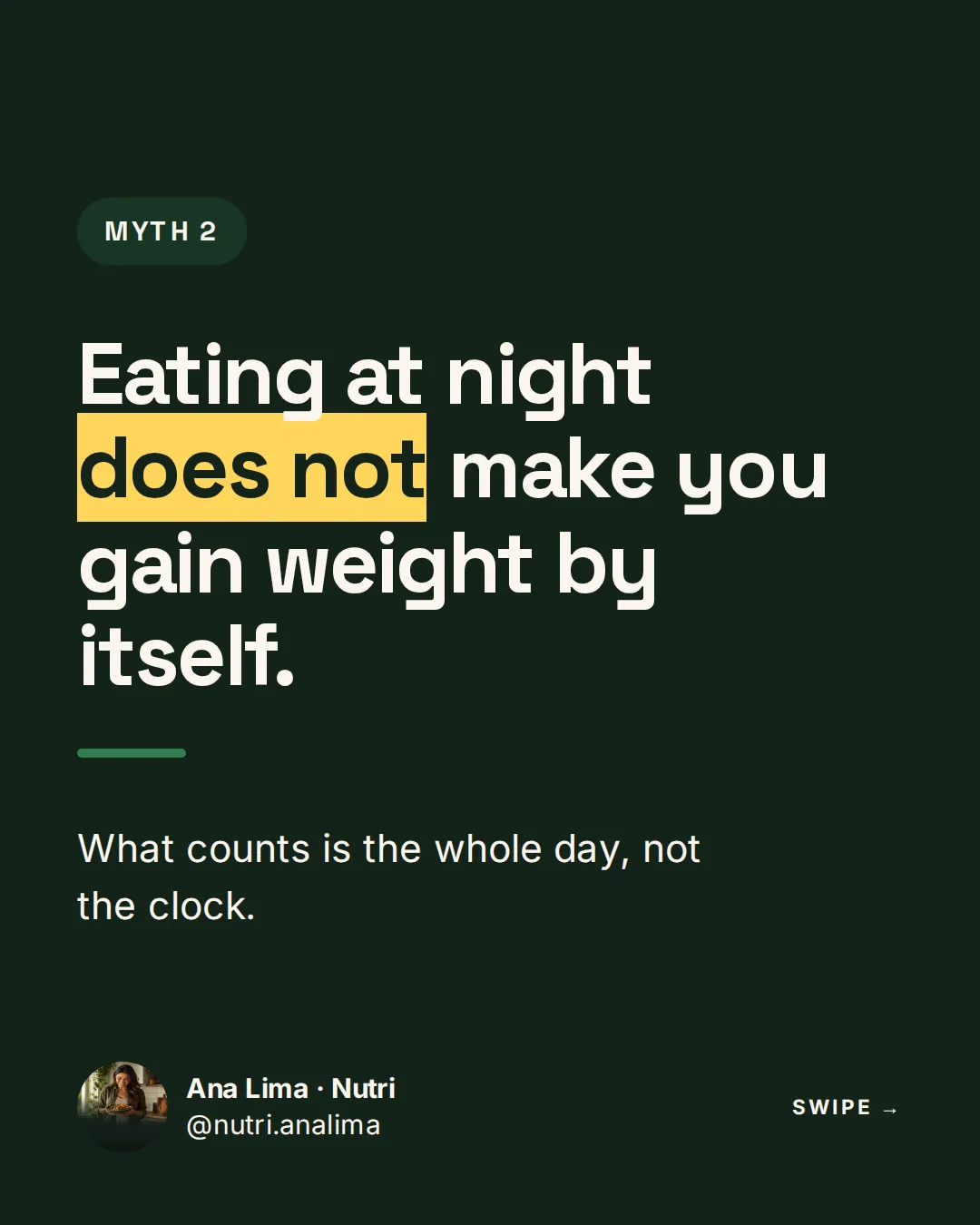
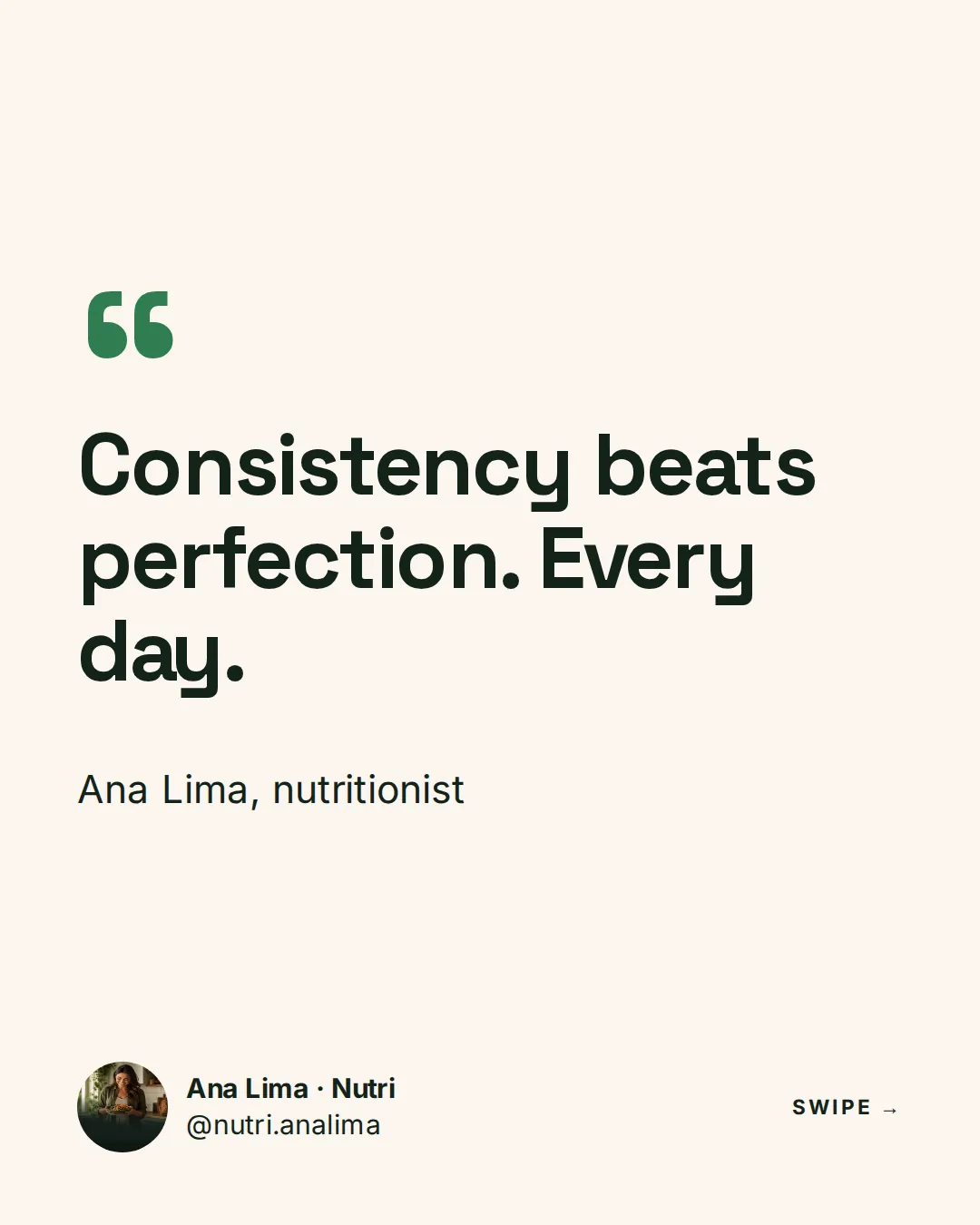
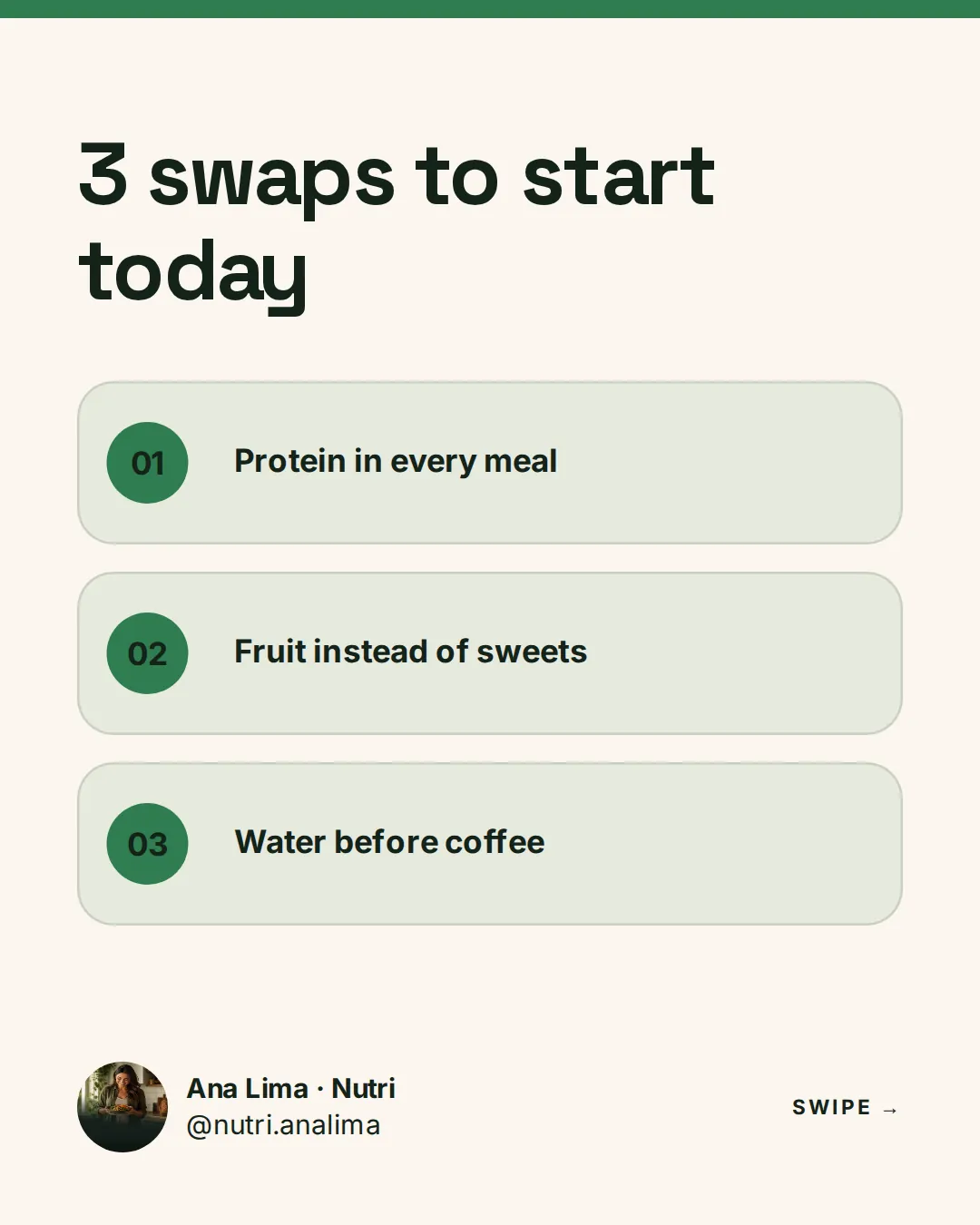
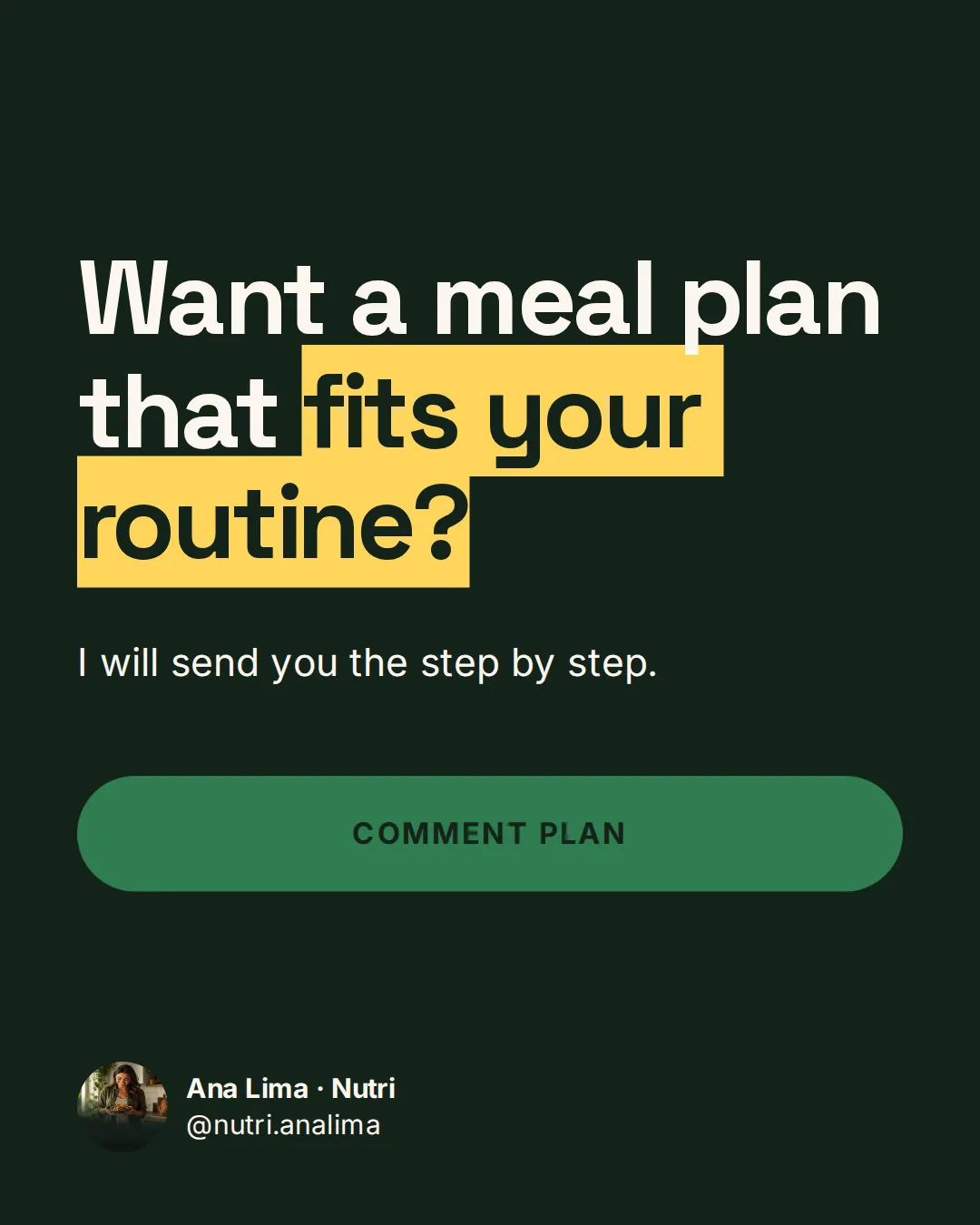
Simulation with illustrative numbers
Why carousels
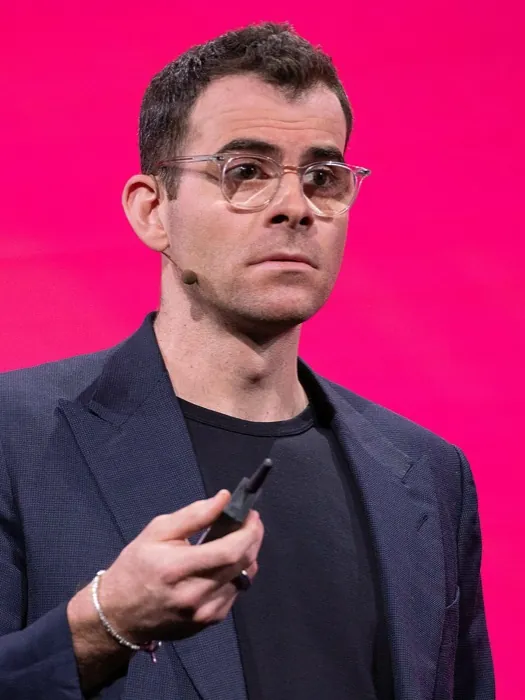
The Head of Instagram says: post carousels
Adam Mosseri has publicly recommended carousels to improve reach. The reason is simple: a carousel gets a second chance in the feed.
1. Someone sees the coverand scrolls past without swiping
2. It gets another chanceInstagram shows it again, starting at slide 2
Two chances to catch attention
If the cover did not land, the carousel can come back with another slide.
More engagement, more reach
Every slide is one more chance for a like, a comment and a share.
More reach starts with your next carousel. Make yours now.
Source of the recommendation: Social Media Today, 2024. Adam Mosseri is not affiliated with SuperCarousels. Photo: Anthony Quintano, CC BY 2.0, via Wikimedia Commons.
Ready to post
From SuperCarousels straight to your feed
See how the carousel looks on each network. Swipe the slides inside the phone.
Simulation: likes, comments and shares are illustrative.
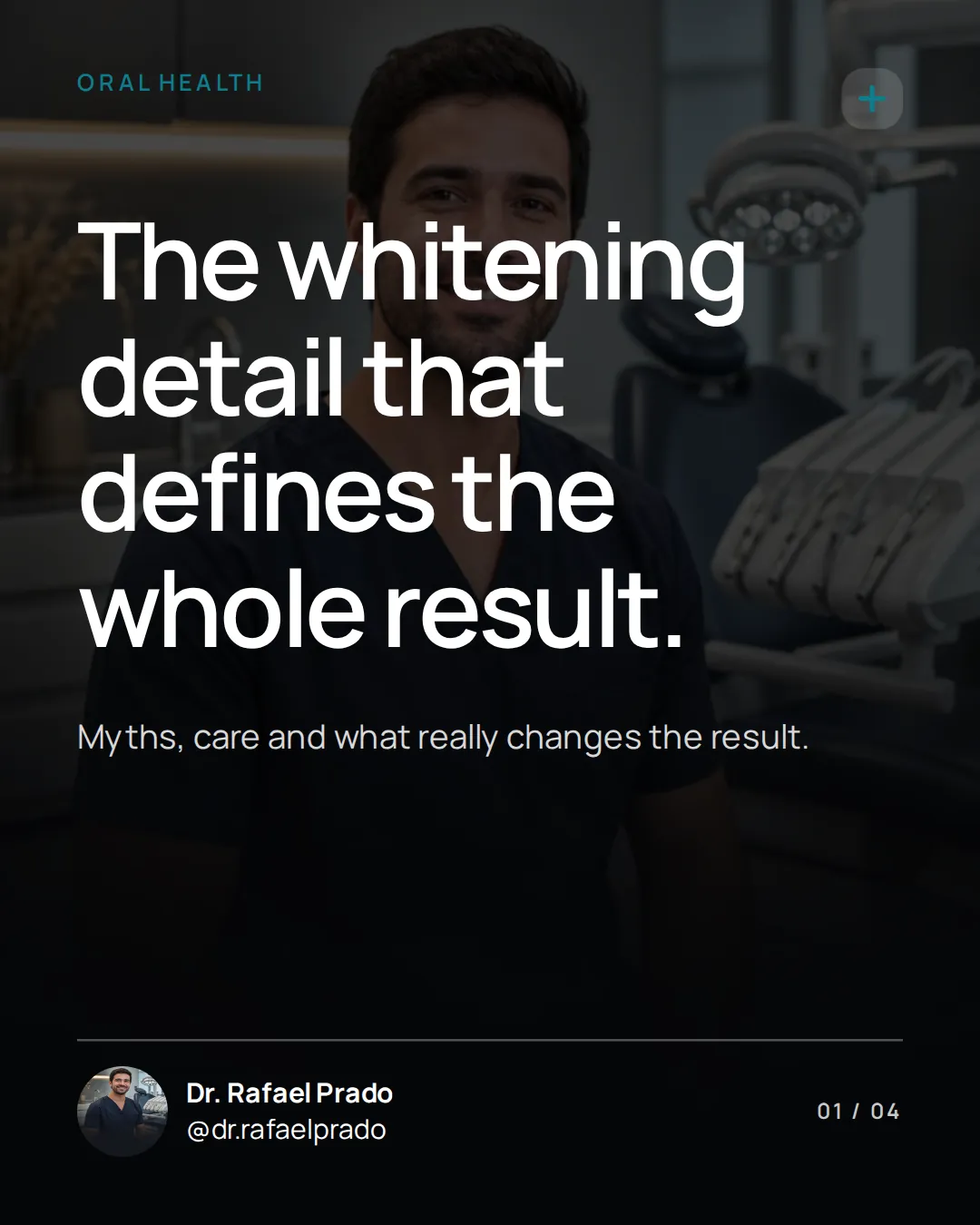
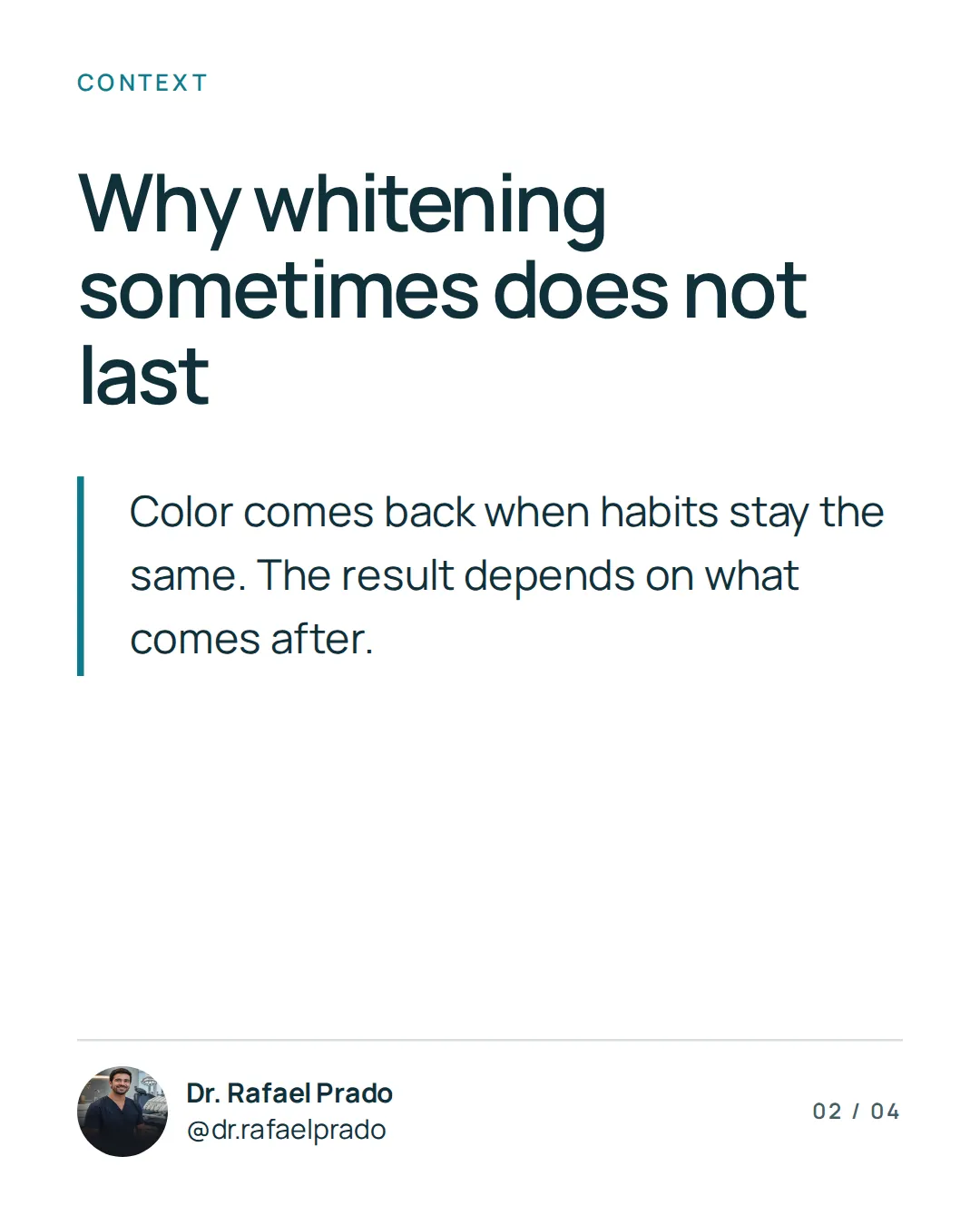
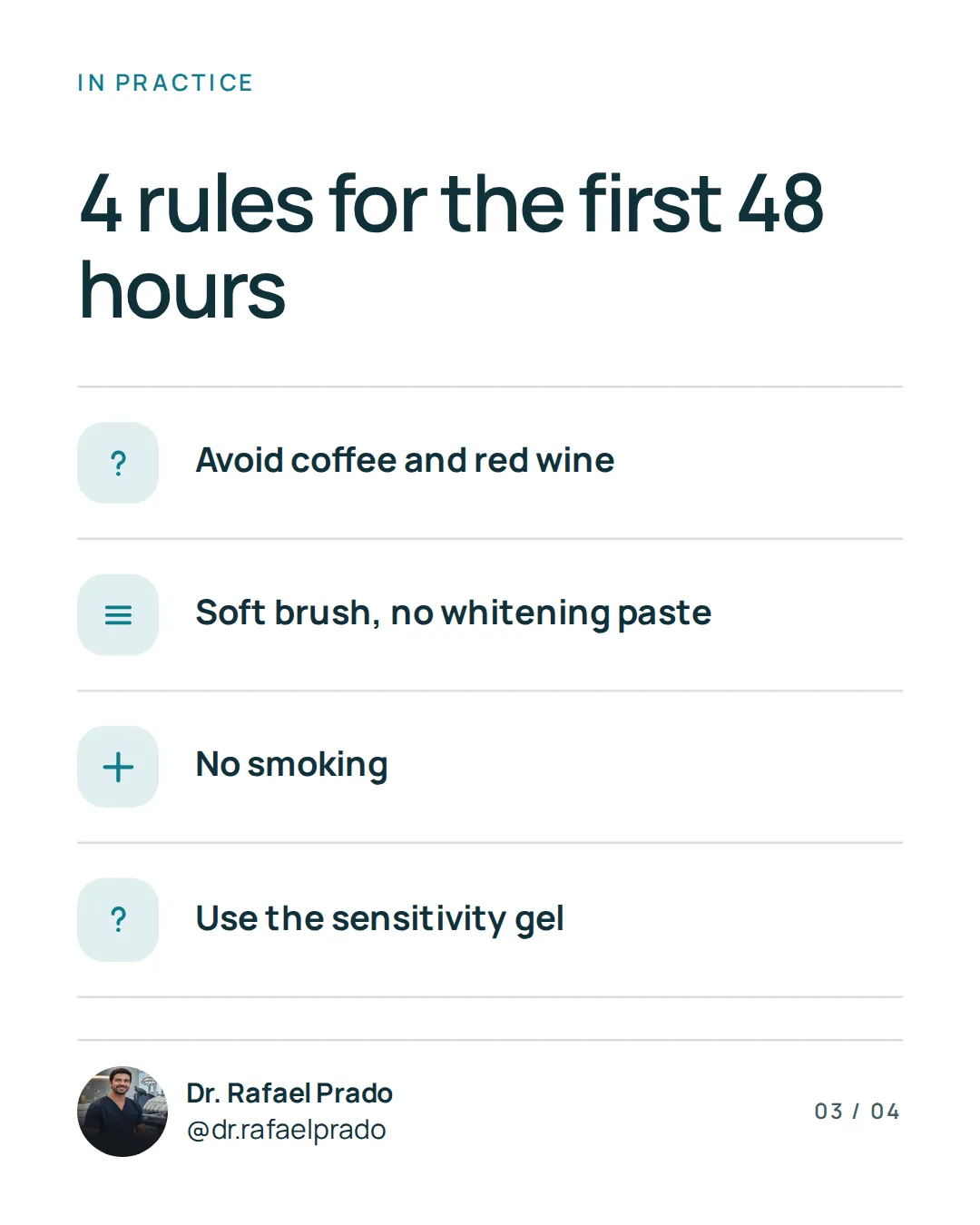
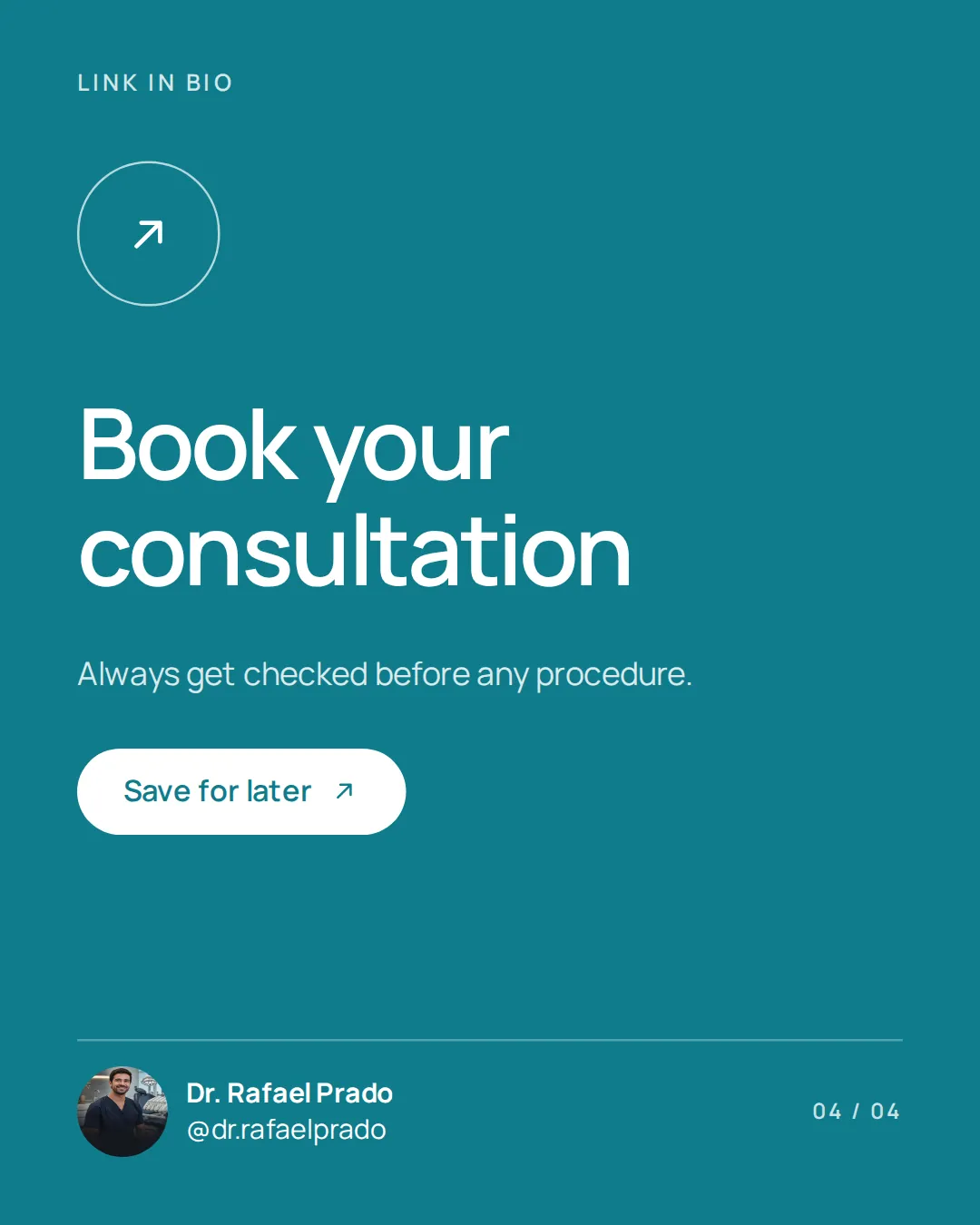
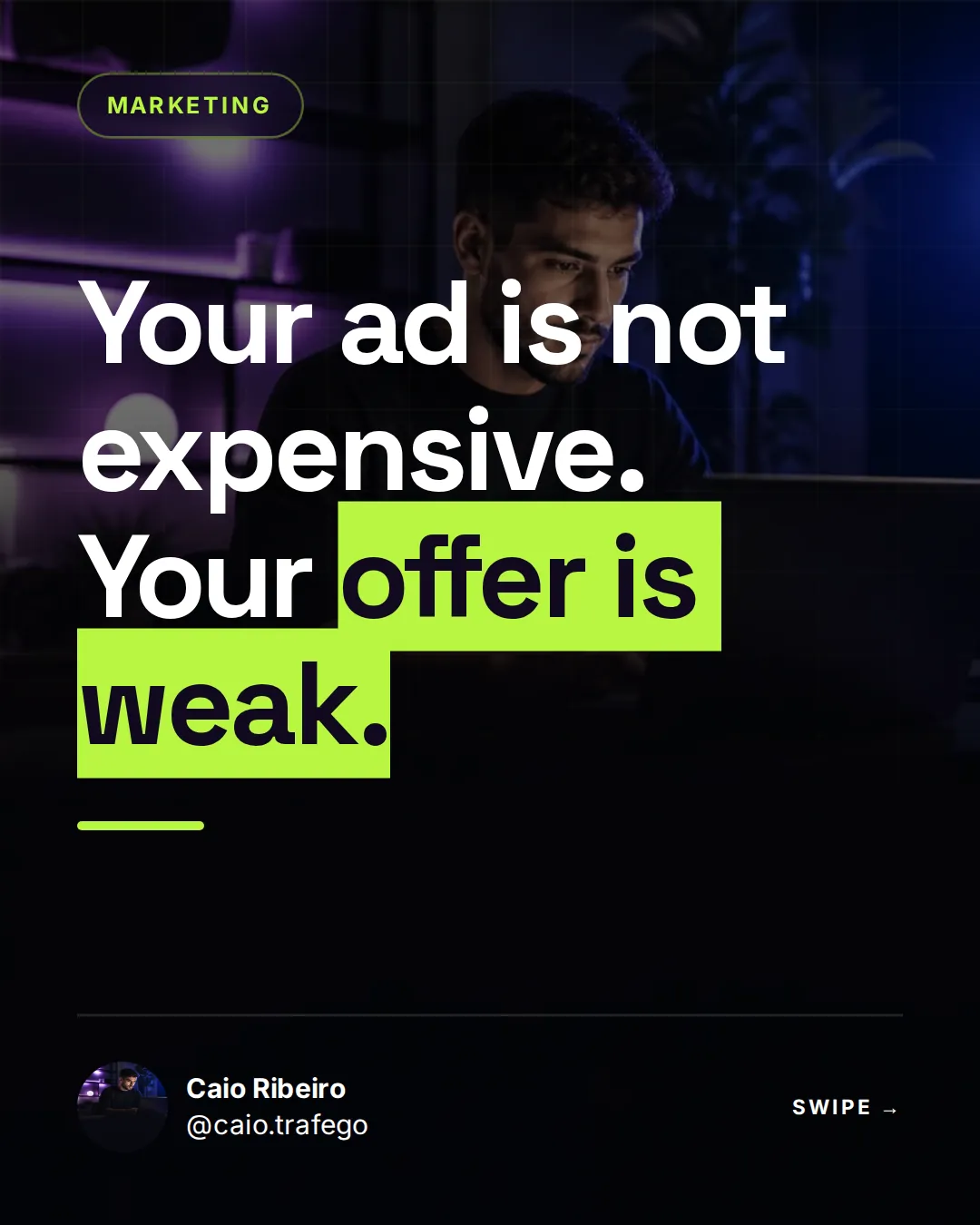
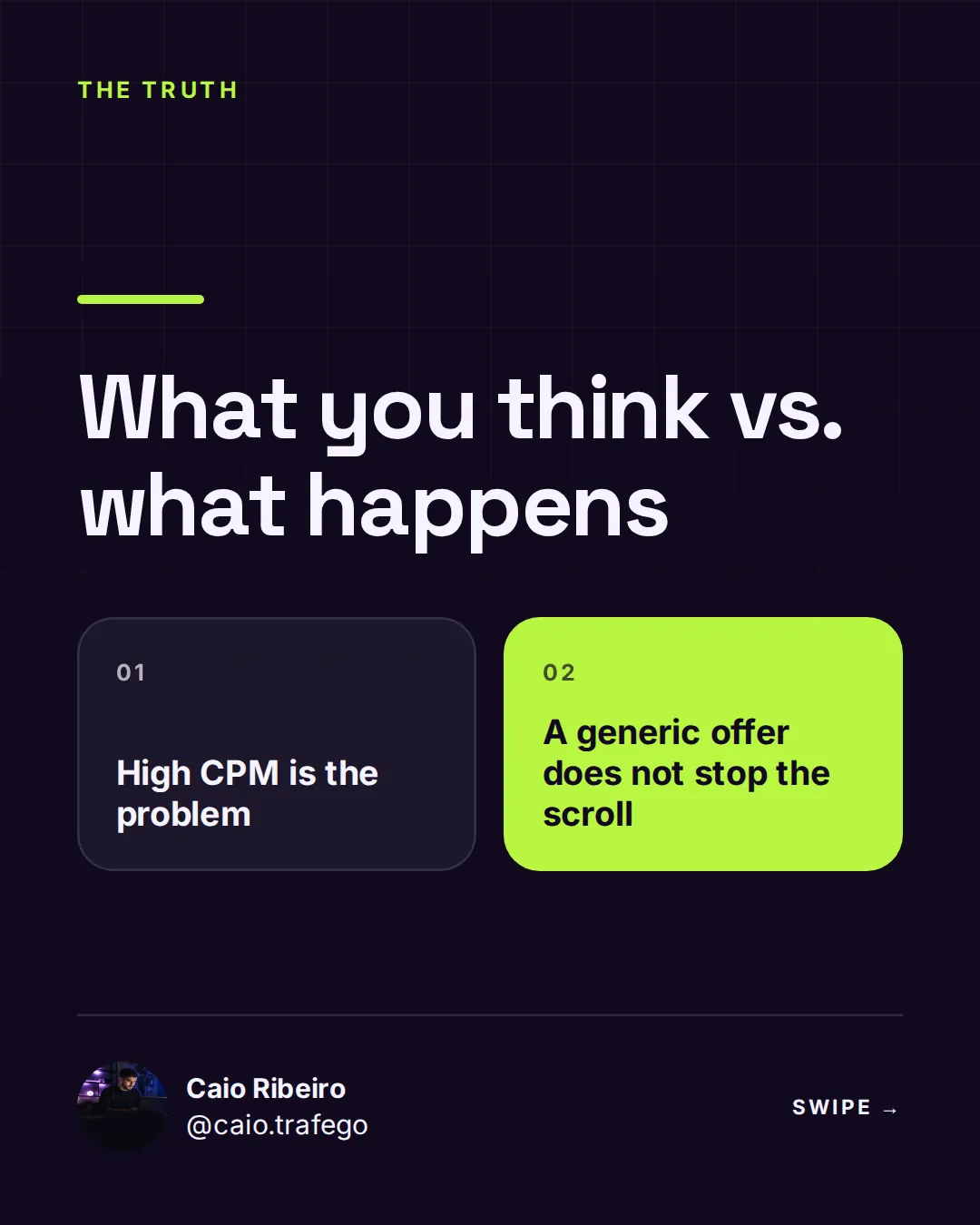
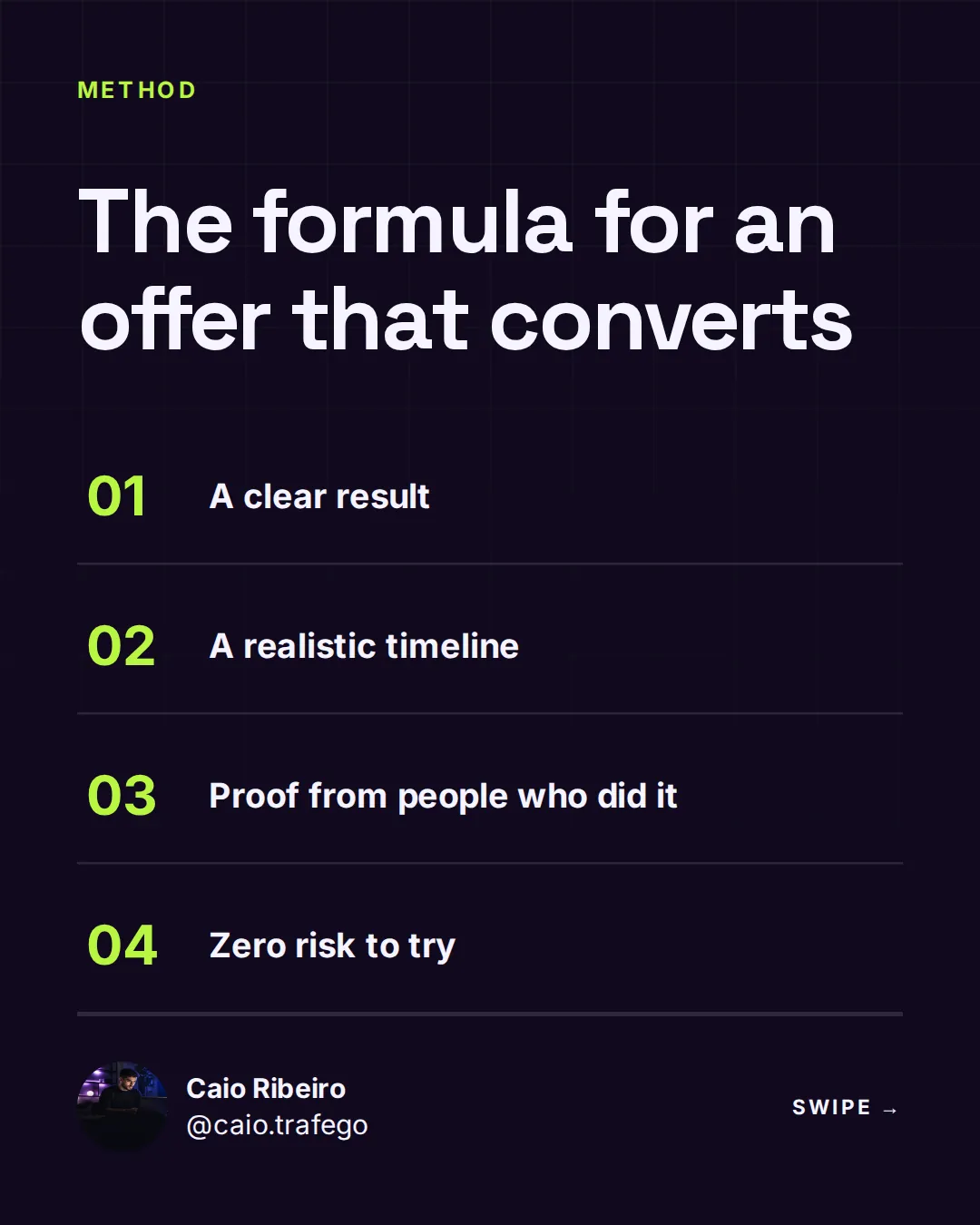
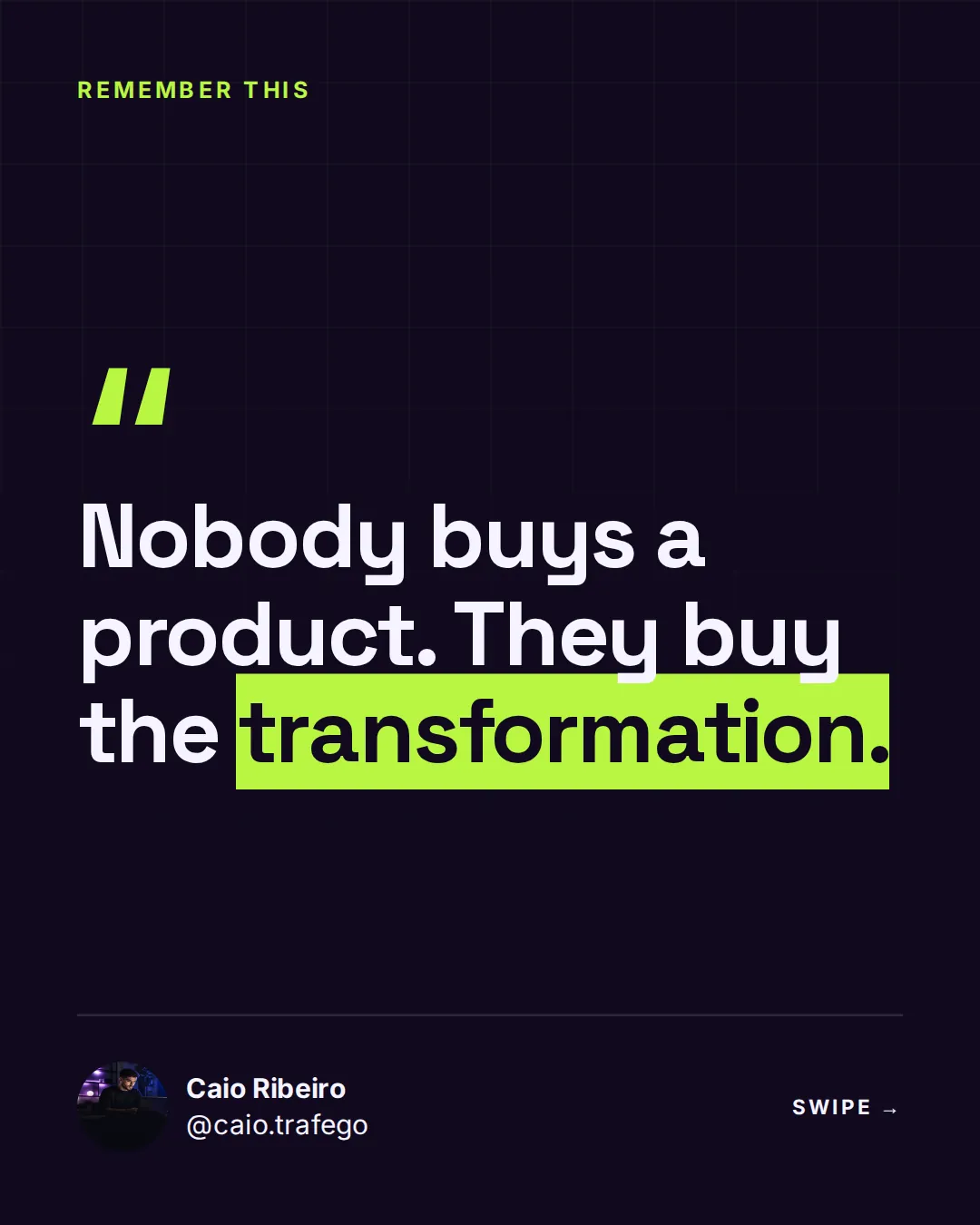
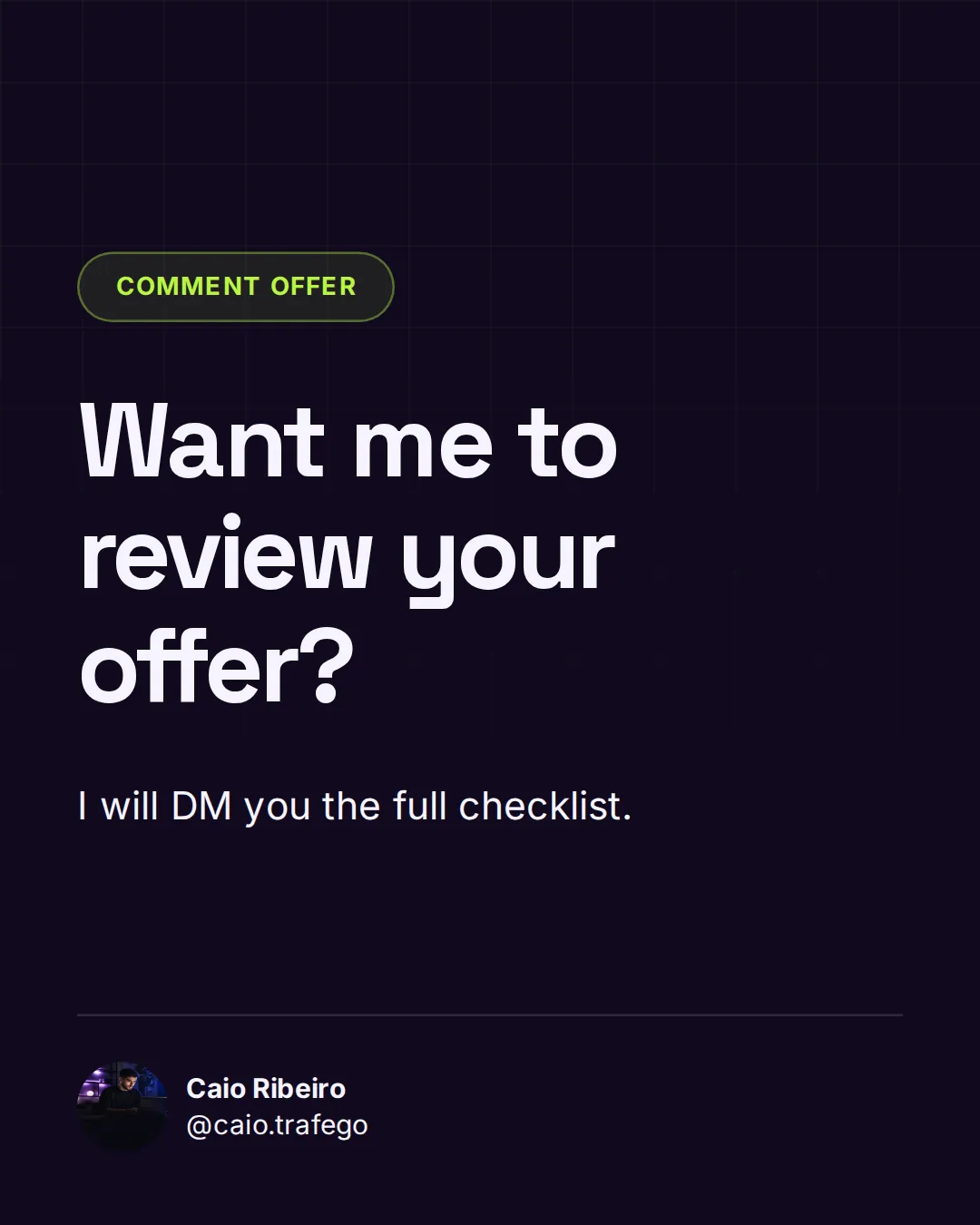
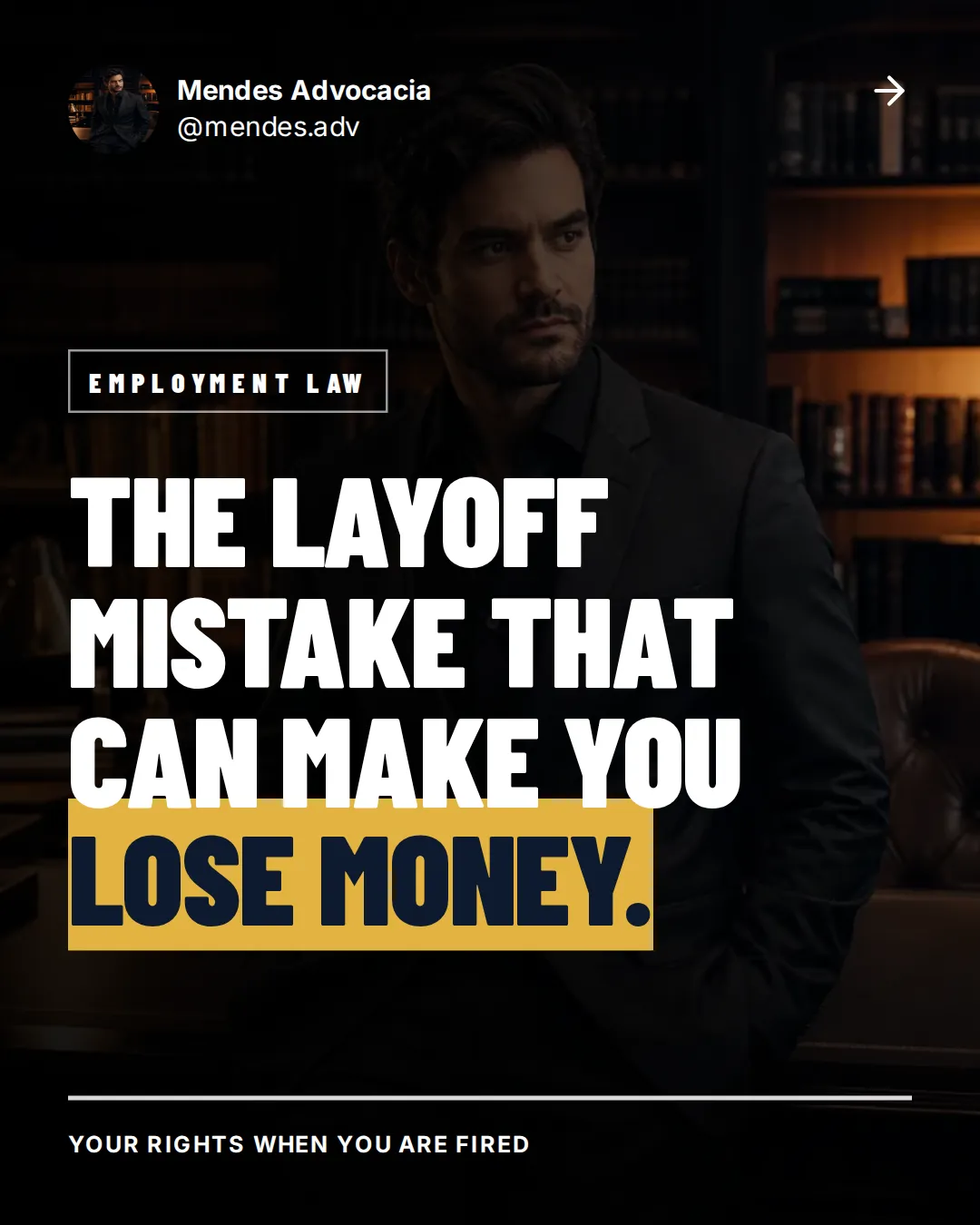
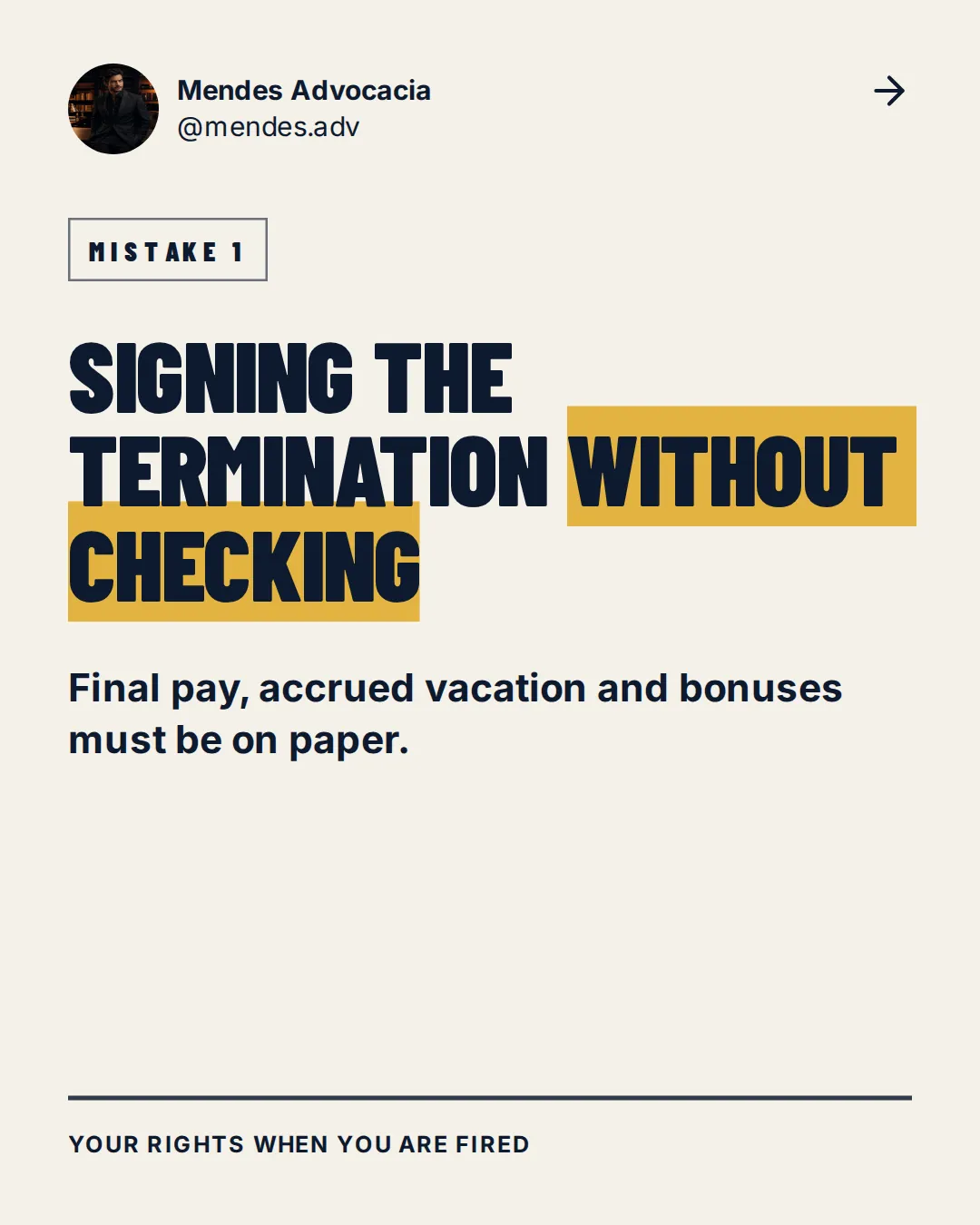
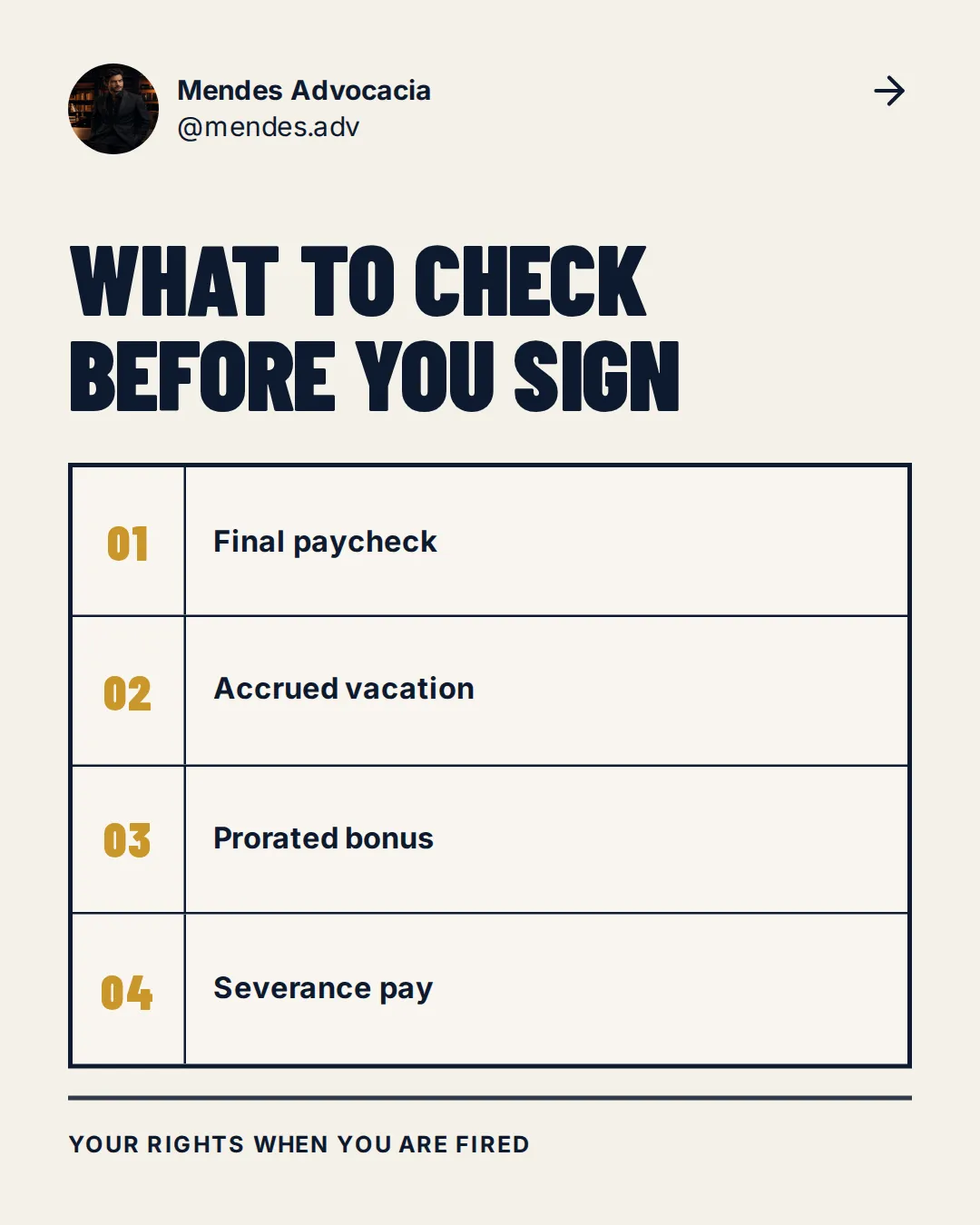
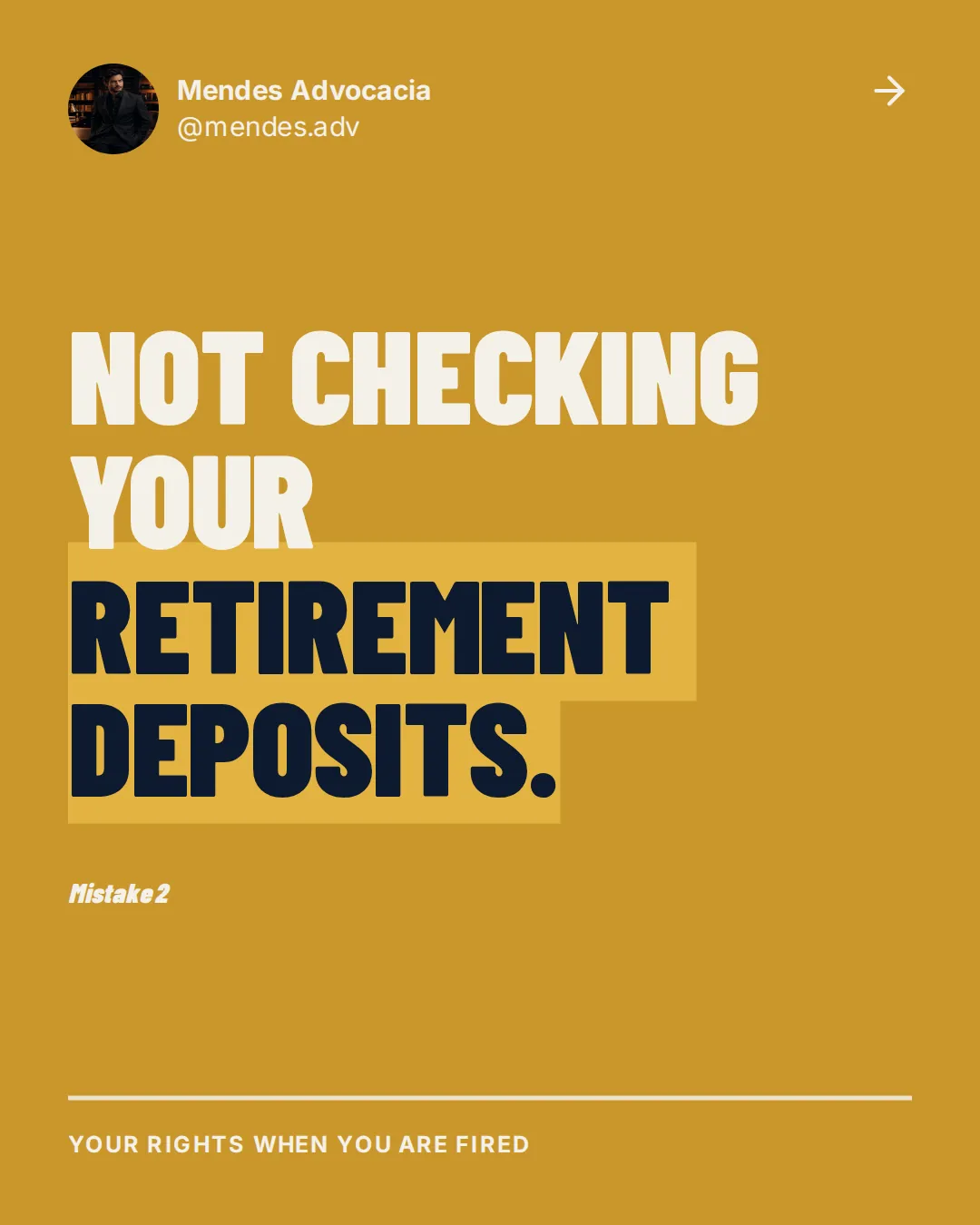


From topic to carousel
You write one sentence. You get a whole carousel.
The switch
Stop losing your evenings building slides
The old way
- Think of a topic and write the script
- Open Canva and hunt for a template
- Line up text and images slide by slide
- Give up halfway and never post
Hours per carousel
With SuperCarousels
- Type the topic in one sentence
- The AI writes and lays out every slide
- Tweak whatever you want and export
- Post today and stay consistent
Under a minute for the first one
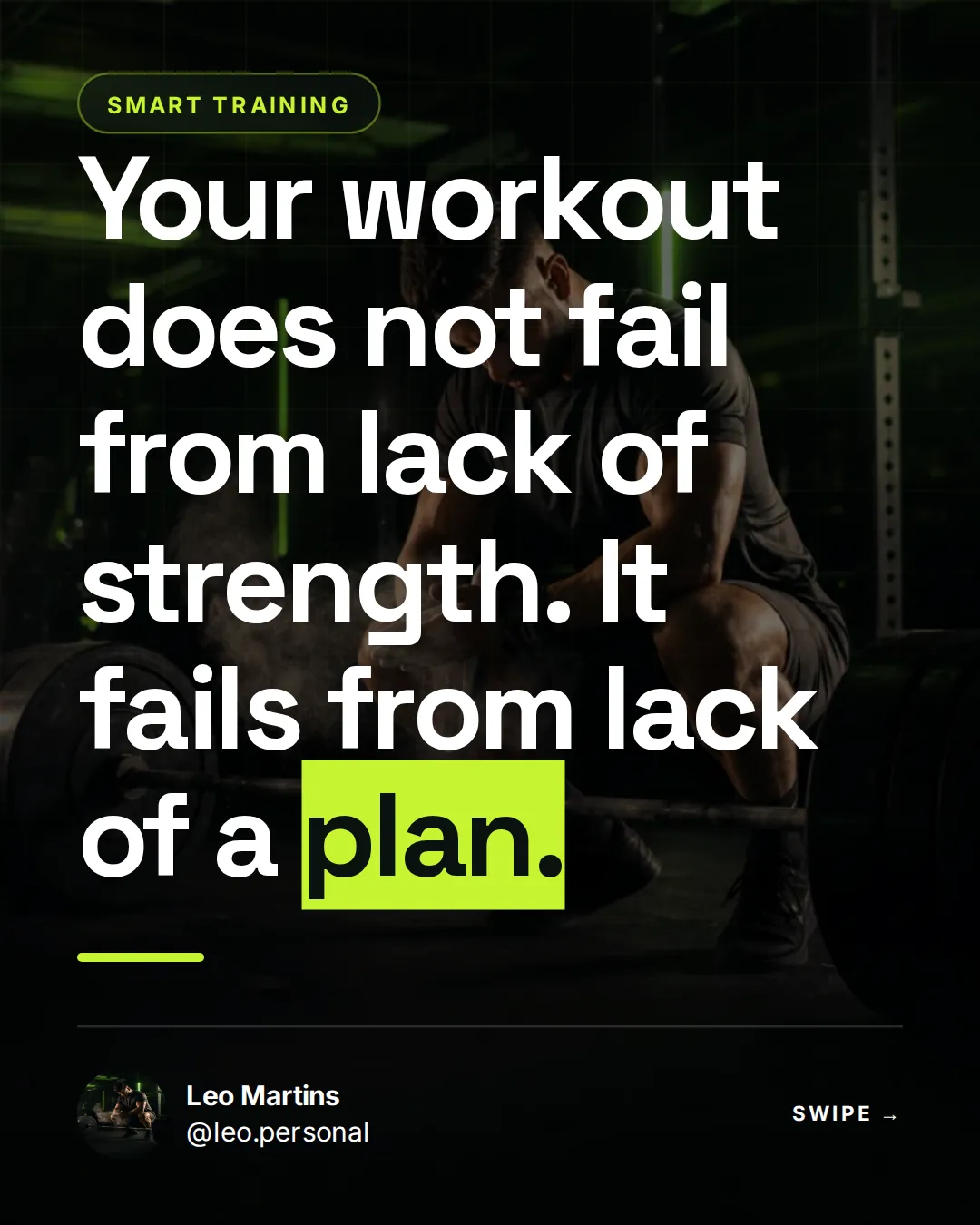
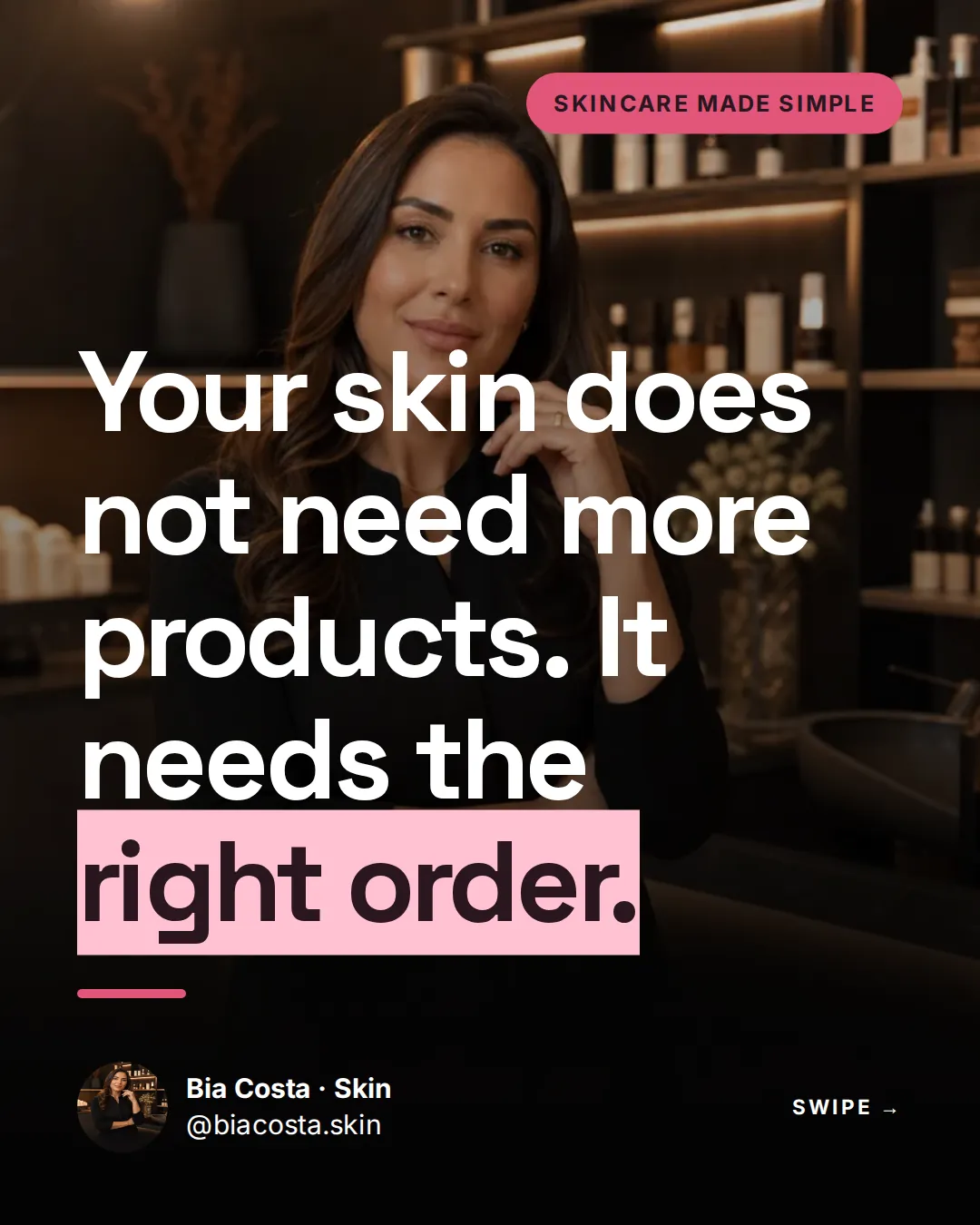
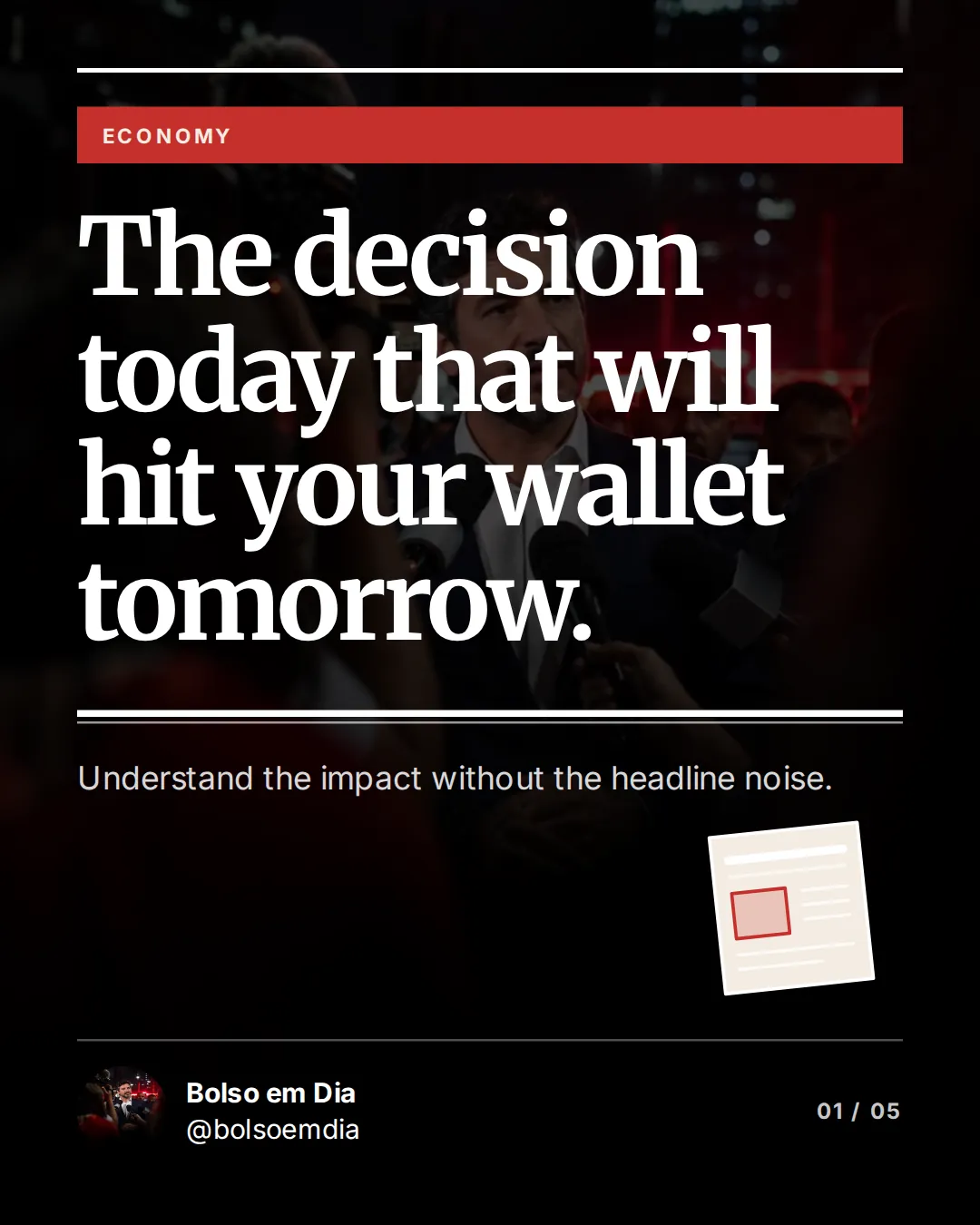
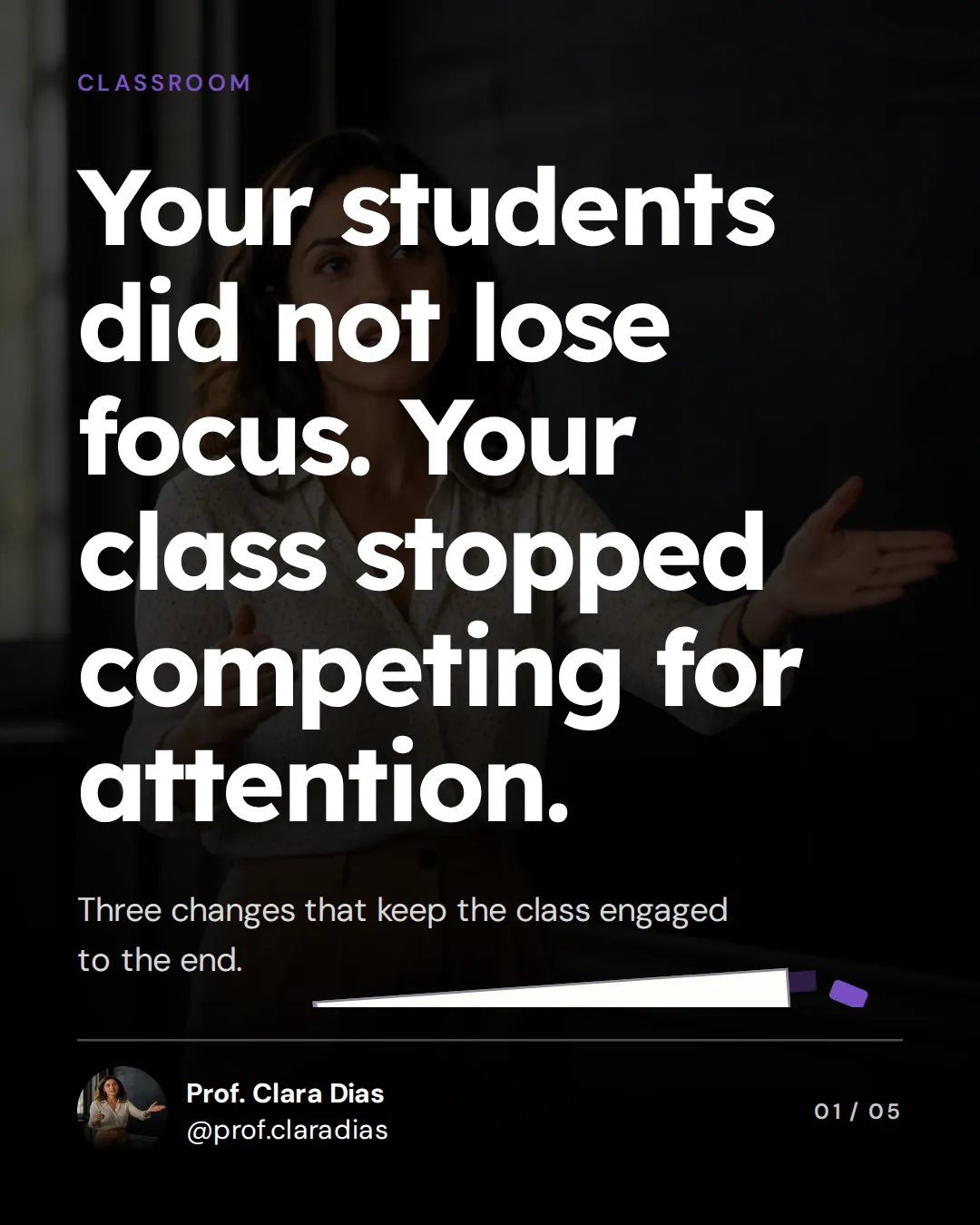
For your niche
A professional look for every market
Templates made for people who sell their expertise. The AI adapts the copy to your audience and your tone.

Who it is for
Made for people who need to post consistently
Share your idea
Topic, niche and tone of voice. One sentence is enough.
The AI builds it
Script, slide order, highlights and design.
Tweak and post
Change anything, export in high resolution or keep editing in Canva.
What users say
Fewer hours building. More content published.
“The tool makes carousel creation much simpler and keeps the whole process moving. It truly makes a difference.”
“Amazing! Going from an idea to a finished carousel is wonderfully practical.”
“Loved it. It is simple, fast, and delivers a much more professional result.”
FAQ
Before you start
Do I need design skills?
No. The templates and the AI take care of the look. You can change text, colors and images if you want.
Does it work for Instagram, LinkedIn and TikTok?
Yes. You create the carousel and export high-resolution images to post on any network.
Does it work on my phone?
Yes. You can create, edit and export on your phone, tablet or computer.
Will it match my brand?
Yes. Set your palette, fonts, photo and handle to keep your identity on every slide.
Can I edit what the AI created?
Yes. Text, layouts and images stay editable before you export.
Can I edit in Canva?
Yes, on paid plans: the carousel opens in Canva with text, images and background as separate layers.
Your next carousel can be live today
Take that idea sitting in your notes and turn it into a post now.
Create my carousel now