
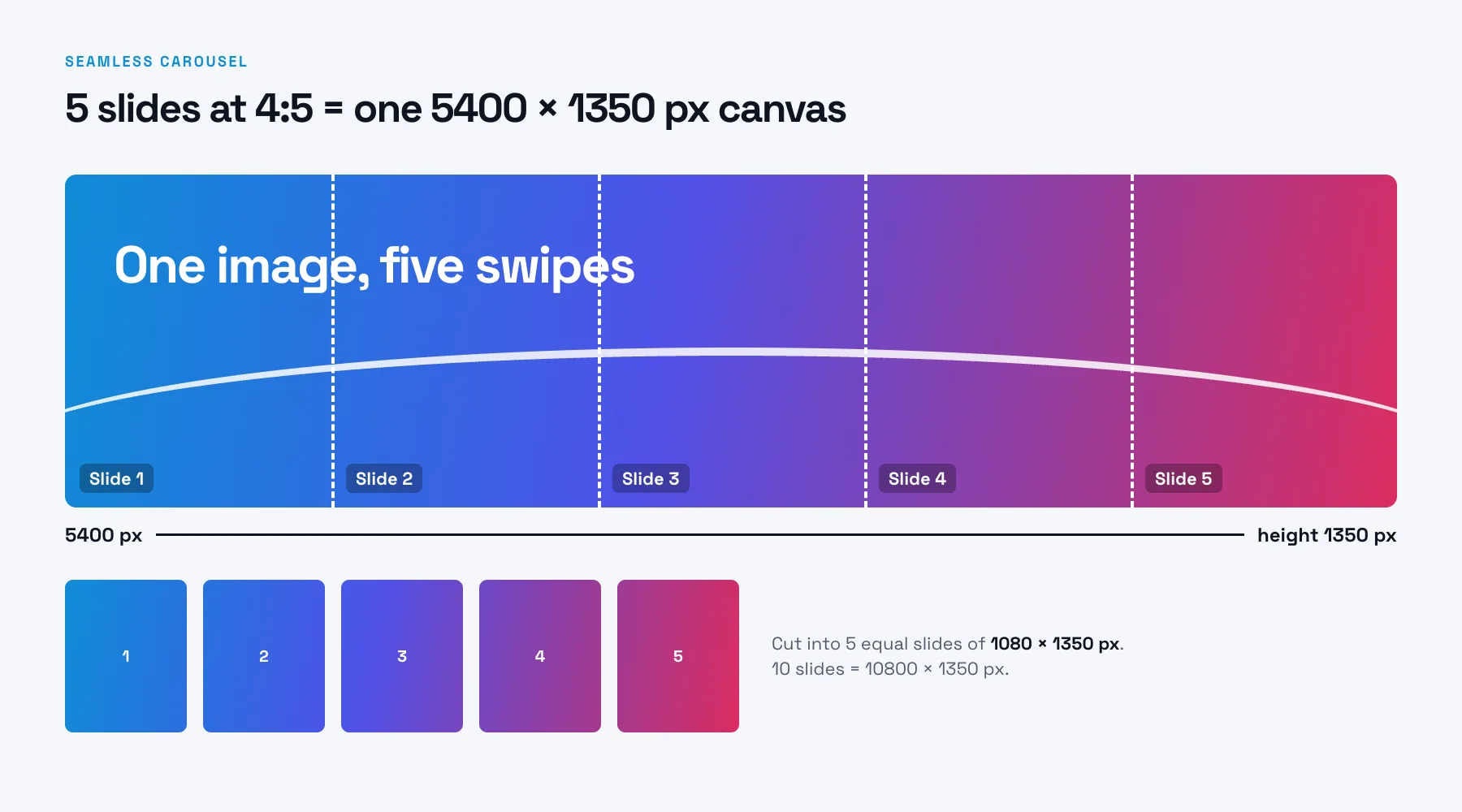
Making a seamless carousel where one image runs across slides? 5 slides at 4:5 means a 5400 × 1350 px canvas. See seamless sizes.
Pick your format and slide count below for the exact size and safe margins.
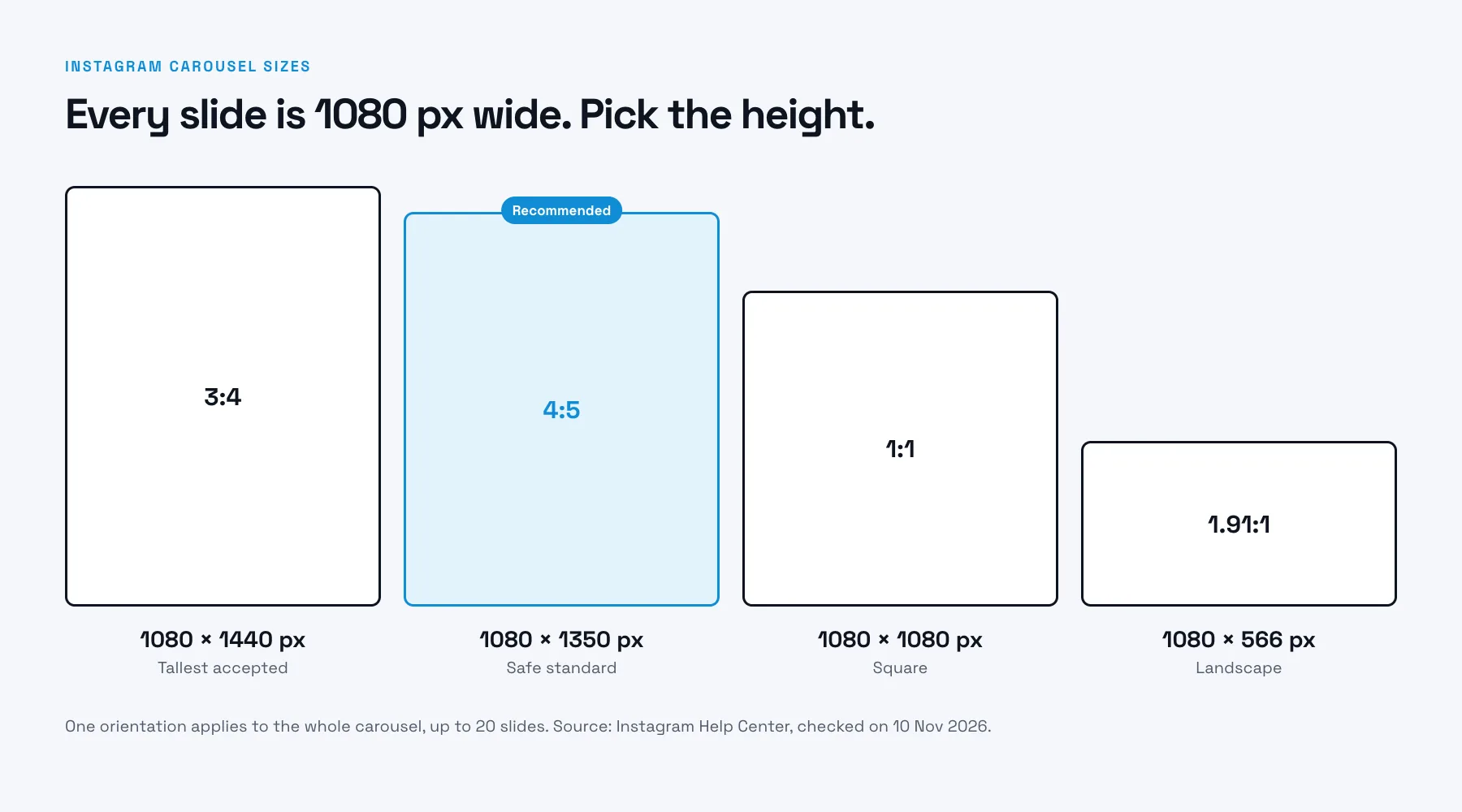
Instagram carousel sizes at a glance
| Format | Size | Our take |
|---|---|---|
| Portrait 3:4 | 1080 × 1440 px | The tallest size Instagram accepts. |
| Portrait 4:5 | 1080 × 1350 px | The safe standard and our default. More screen space, bigger text. |
| Square 1:1 | 1080 × 1080 px | Fine for quotes and product shots. |
| Landscape 1.91:1 | 1080 × 566 px | The widest accepted. Rarely the best choice for a carousel. |
What Instagram says (Help Center, checked on 10 Nov 2026):
- You can share up to 20 photos and videos in one carousel.
- The orientation you choose (square, portrait or landscape) applies to all photos and videos in the post.
- Photos keep their original resolution when the ratio is between 1.91:1 and 3:4, with a width of 1080 px and a height between 566 and 1440 px. Outside that range, Instagram crops them.
Which portrait ratio a carousel keeps without cropping, 4:5 or 3:4, we have not confirmed, so we recommend 4:5 as the safe option.
Seamless carousel size (for 3, 5 or 10 slides)
A seamless carousel is one wide image that runs across several slides. Make one canvas, then cut it into equal slides. The canvas width is the slide width times the number of slides.
| Slides | 4:5 canvas | 3:4 canvas (only if your carousel keeps 3:4) |
|---|---|---|
| 3 | 3240 × 1350 px | 3240 × 1440 px |
| 5 | 5400 × 1350 px | 5400 × 1440 px |
| 10 | 10800 × 1350 px | 10800 × 1440 px |
Cut the canvas into equal slides with the carousel image splitter. If you build the slides one by one instead, every slide is still 1080 × 1350 px.
How to set it up
In Canva or any design tool, create a custom size of 1080 × 1350 px, and use it for every slide.
4:5 or 1:1? Our pick, and why
Use 4:5. A portrait slide fills more of the phone screen, so your text can be larger and the carousel is harder to scroll past. Use 1:1 when your design is already built as a square, or when the carousel is a set of product photos.
One more reason to decide early: the orientation you pick applies to every slide, so changing your mind halfway through means redoing them. Also check how your cover looks on your profile grid, which shows the first slide with a carousel icon.
Safe margins: where text can sit
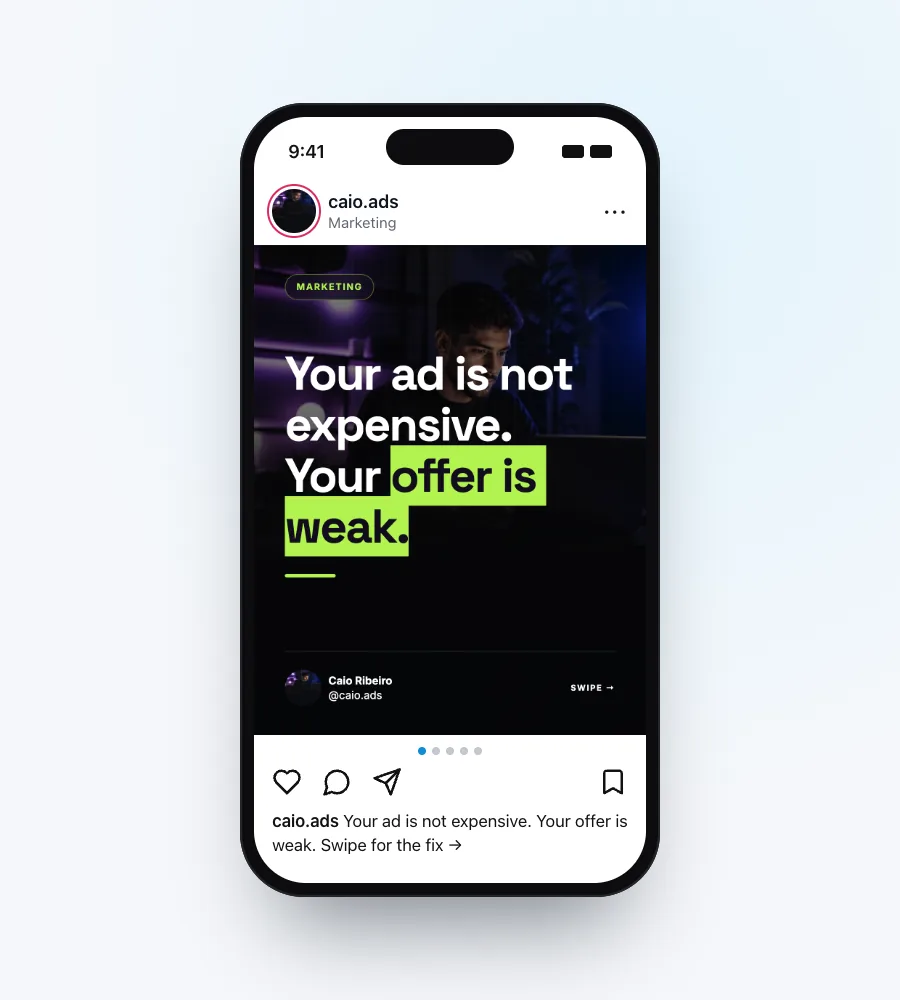
Keep text away from the edges. A good rule of thumb on a 1080 × 1350 slide: about 80 px on the sides and 120 px at the top and bottom. The calculator draws them for you.
Why: slide counters and dots sit near the edges, and text pressed against the edge looks cramped on a phone.
How many slides?
The limit is 20. That is a ceiling, not a target.
- 5 to 7 slides: one tip or one short story.
- 8 to 10 slides: a step-by-step or a list. Our usual starting point.
- 11 or more: only if every slide adds something new. If slide 12 can go, cut it.
The size stays 1080 × 1350 px whether you make 5 slides or 10. Only the count changes.
Common mistakes
- Designing at 1:1 and expecting 4:5. Set the size before you design.
- Mixed sizes. You cannot pick a different orientation for each photo or video. Instagram applies one to the whole post, and a mismatched slide gets cropped.
- Text in the outer edge. It looks fine in the editor and cramped in the feed.
- Low-res export. Export at the full pixel size, not a reduced preview.
- Forgetting the cover on the grid. The first slide is also your profile thumbnail.
Our recommendation
We recommend 4:5 because it takes more of the feed, and one size for all slides because one orientation applies to the whole carousel. The sizes are design recommendations, not platform rules. Try both on your own account and keep the one that reads better for your content.
Make the carousel itself
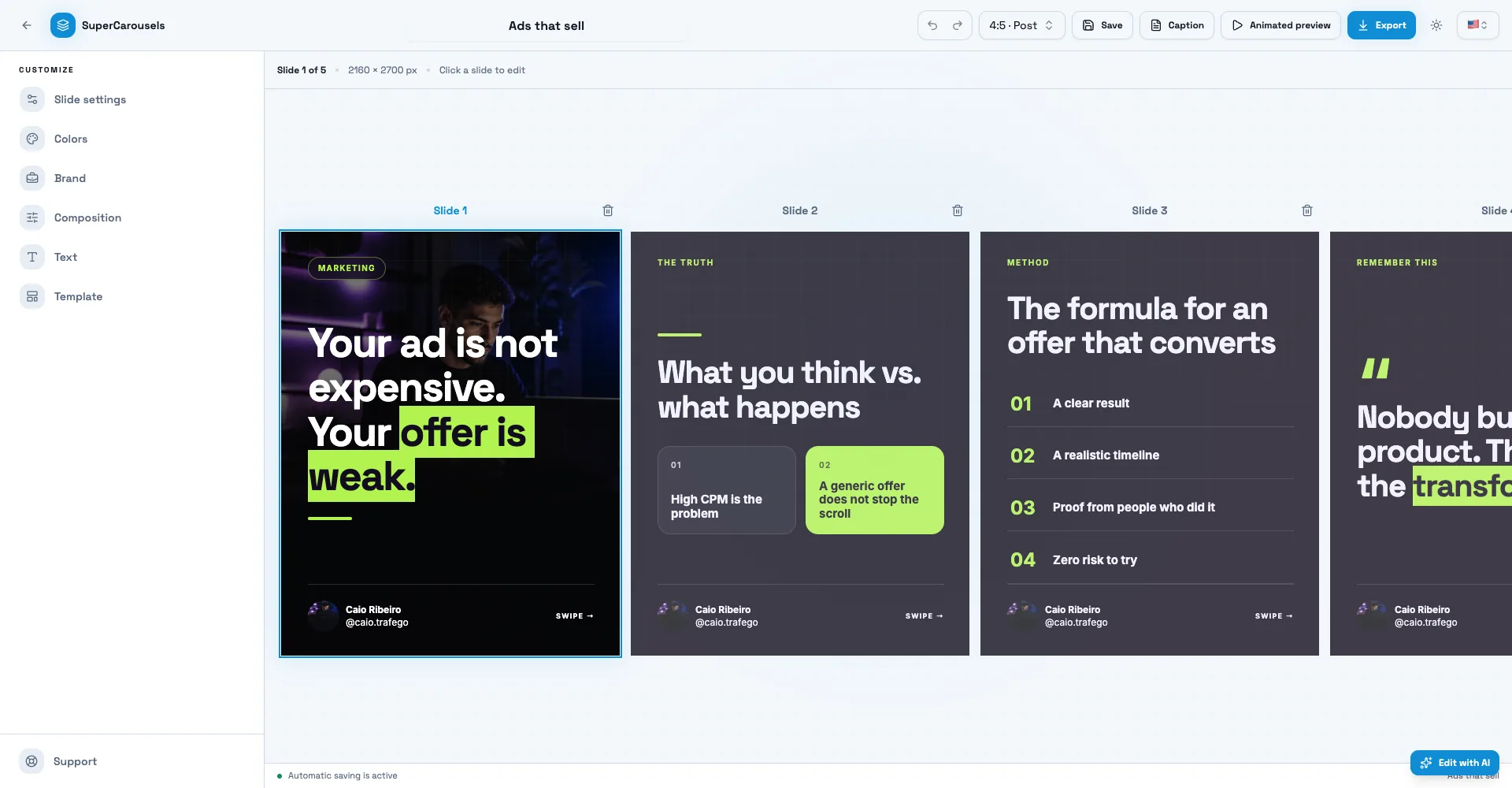
Knowing the size is half the job. Writing and designing 8 to 10 slides is the other half. SuperCarousels writes the script and designs every slide from your idea, and the editor exports PNG, PDF and video. You download the slides and post them on Instagram. Create this carousel with AI →

FAQ
What is the best size for an Instagram carousel?
1080 × 1350 px (4:5) is the safe standard. Instagram accepts photos 1080 px wide with a height from 566 to 1440 px, so 3:4 (1080 × 1440) is the tallest.
What size is an Instagram carousel for 10 slides?
Two answers. Each slide is 1080 × 1350 px. If you want one image running across all 10 (seamless), the canvas is 10800 × 1350 px.
What size is an Instagram carousel for 5 slides?
Each slide is 1080 × 1350 px. A seamless canvas for 5 slides is 5400 × 1350 px.
Can I mix square and portrait slides in one carousel?
No. The orientation you choose (square, portrait or landscape) applies to all photos and videos in the post. You can't pick a different one for each.
How many slides can an Instagram carousel have?
Up to 20.
What size is an Instagram carousel in Canva?
Create a custom size of 1080 × 1350 px and use it for every slide.
Is the size the same for Reels or Stories?
No. Reels and Stories are full-screen vertical formats.
Related free tools
LinkedIn Carousel Size
Get the page size for a LinkedIn PDF carousel in 4:5, 1:1 or 16:9, with safe margins drawn for you.
TikTok Carousel Size
Get the photo size for a TikTok photo carousel in 9:16, 4:5 or 1:1, with the safe area drawn for you.
Instagram Safe Zone
See where Instagram's interface covers a Reel or Story and download a transparent safe zone template.
TikTok Safe Zone
See where TikTok's interface covers your video or photo and download a transparent safe zone template.
LinkedIn Headline Generator
Write a 220-character LinkedIn headline with AI from your role, in English, Portuguese or Spanish.